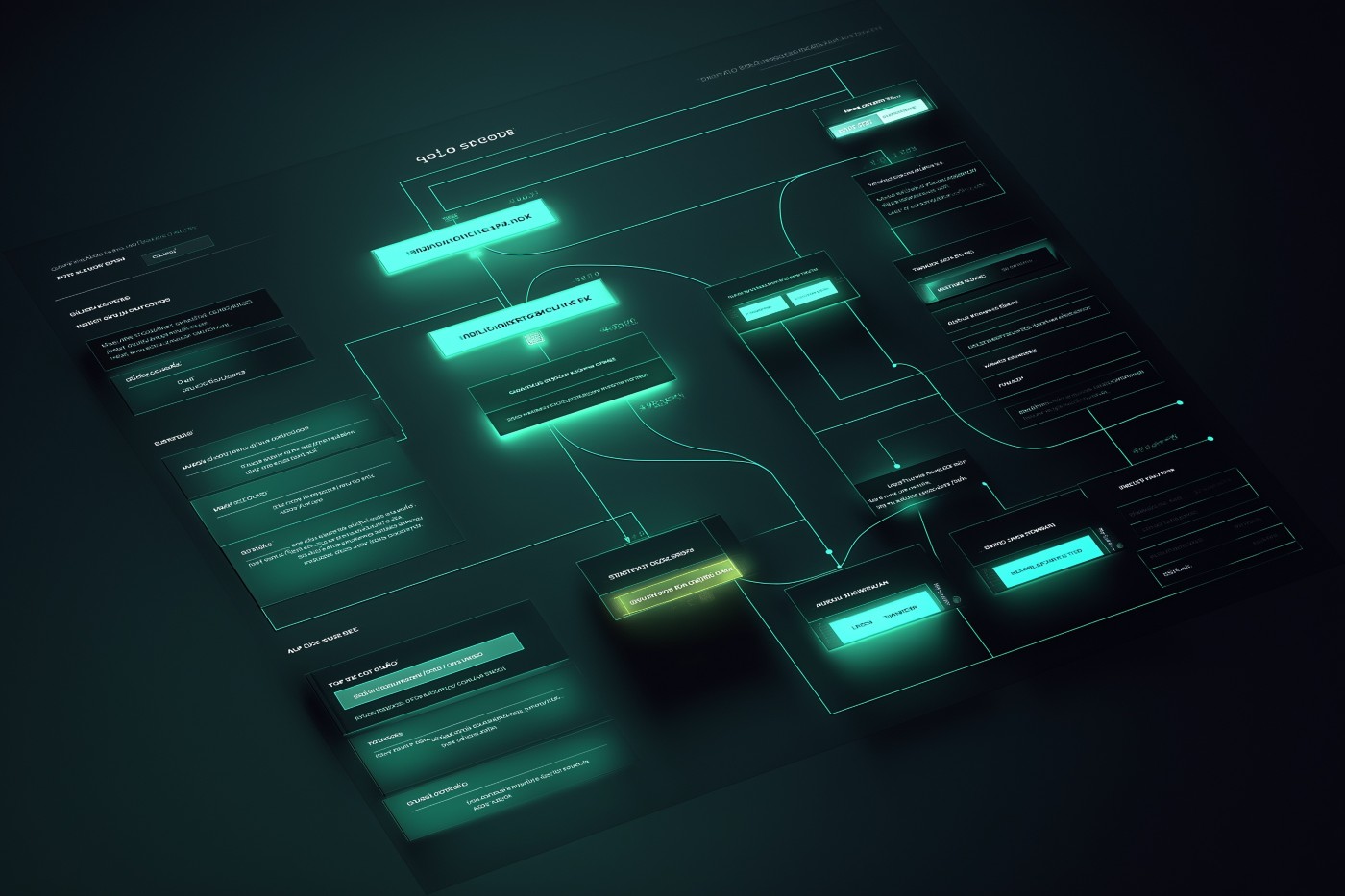


1.Custom AI Chatbot with n8n (Self-Hosted via Hostinger)
n8n is an open-source automation platform that lets you visually build complex workflows, including AI-powered chatbots. Hosted on Hostinger’s VPS infrastructure, you get full control, scalability, and access to prebuilt workflows while keeping costs relatively low.
Important: To make the chatbot actually intelligent, you must connect it to an AI provider such as OpenAI, Anthropic, or Google DeepMind using an API key. This has a separate usage-based cost, typically ranging from a few dollars per month for light usage to hundreds per month for high-traffic sites, depending on the model you choose and how many messages (tokens) are processed.
Pros
- Extremely flexible: build any custom chatbot logic or automation flow
- Self-hosted: full control of your data
- Scalable: queue mode and VPS upgrades handle growth
- Hundreds of prebuilt nodes and community workflows
- Affordable entry-level plans compared to SaaS chatbot builders
Cons
- Requires server management and technical know-how
- No built-in visual chatbot widget (must build/embed one yourself)
- Performance depends on your VPS resources
- More setup time compared to plug-and-play chatbot plugins
Verdict
This approach is ideal for developers or tech-savvy site owners who want maximum control, custom logic, and the ability to deeply integrate AI into their business workflows. It is not the easiest to set up, but the payoff is flexibility and ownership at a lower long-term cost than many hosted chatbot services.
2. AI Chatbot with tawk.to AI Assist
tawk.to AI Assist is an add-on for the popular tawk.to live chat platform. It lets you build an AI-style chatbot that automatically answers customer questions 24/7, based solely on the content you provide (such as FAQs, documents, website links, knowledge base articles, and plain text). It includes a real-time agent handover feature so your human team can instantly take over a conversation if needed.
Important: Unlike other chatbot solutions, AI Assist does not require you to connect to an external AI model API (such as OpenAI or Anthropic), and therefore has no separate usage-based cost. Instead, it runs entirely on the data you train it with. The AI will not answer questions outside the scope of that data, it does not have general knowledge or reasoning beyond what you feed it.
AI Assist is offered at a fixed price of $29/month.
Pros
- Simple setup, no coding or API connection required
- Fixed $29/month pricing (no unpredictable usage bills)
- Fully controlled responses: only answers with your approved content
- Agent handover feature allows humans to take over chats in real time
- Built directly into the existing tawk.to live chat system
Cons
- Cannot answer anything outside the data you provide
- No access to general AI reasoning or world knowledge
- Limited flexibility compared to building your own AI-powered chatbot
- Scaling options or higher usage limits are not clearly documented
Verdict
This solution is ideal for businesses that want a fast, predictable, and low-maintenance chatbot that only answers from verified company information. It avoids the complexity and variable costs of using external AI APIs, but it is limited to the data you provide, making it best for structured support or sales FAQs rather than open-ended AI conversations.
3. AI Chatbot with Tidio Lyro AI Agent
Tidio Lyro AI Agent is a smart chatbot add-on built into the Tidio live chat platform. It answers customer questions automatically based on the support content you upload (knowledge base, help-desk content, web pages, etc.), and can escalate to a human agent when needed. It also supports product recommendations and deeper integrations for workflows (e.g. with CRM, backend systems).
Important: Lyro does not require you to supply your own external LLM API key (like OpenAI). The LLM usage is bundled in Tidio’s service. However, the chatbot only knows and replies based on information you have provided, it does not generate responses using general knowledge outside of your data. If asked about something outside your content, Lyro will hand off to a human or say it doesn’t know.
Tidio provides a free trial (which includes around 50 Lyro conversations) to test the service. Beyond the free tier, paid plans apply depending on conversation volume and any advanced integrations/customizations.
Pros
- No external API setup required; costs are predictable under Tidio’s plan after trial
- Full control over content: only answers from your data so you can manage accuracy
- Built-in integrations: CRM tools, help-desk systems, backend workflows
- Product recommendation features (useful for e-commerce) to boost sales directly via chat
- Human handover and automatic fallback when knowledge is missing
- Analytics and transparency (see which content responded, monitor performance) to improve over time
Cons
- Limited knowledge: cannot answer outside of content you have given it
- Conversation quotas or pricing can grow depending on usage; exact cost after trial might be significant for high traffic
- May require effort to build and maintain a robust knowledge base (keeping content up to date) so responses remain accurate
- Features like advanced API or custom integrations may require higher plan / extra cost
- For very open-ended user queries, might lead to frequent handovers to human agents, affecting consistency
Verdict
Tidio Lyro is a strong option for site owners who want a more “turn-key” AI chatbot than building one from scratch, but still with a good degree of control, reliability, and integration possibilities. It works especially well for e-commerce or support sites where content can be clearly defined (FAQ, product info). If your site expects very broad or unpredictable user queries, or you want complete freedom of the underlying LLM model, another solution might suit you better.
4. AI Chatbot with WPBot (ChatBot for WordPress by QuantumCloud
WPBot is a native WordPress chatbot plugin by QuantumCloud that works both with and without external LLM services. With the free version, you get basic chatbot functions (FAQ-style responses, lead generation, forms, etc.) under your control. For more advanced features (training with your website data, integrations with OpenAI, DialogFlow, etc.), WPBot offers Pro plans. Connecting to an LLM (e.g. OpenAI) requires supplying your own API key, which carries usage costs beyond the plugin license.
Important: The free version includes built-in chatbot features that do not require any external API; but if you want the bot to answer using AI (beyond keyword or FAQ-based responses), or to train it with your content via OpenAI or similar, you’ll pay for the plugin license plus any external API usage costs (token/chat volume, model choice, etc.).
Pricing: WPBot Pro has several paid tiers:
- Starter: ≈ $39/year, includes Core WPBot Pro, chat sessions & history, extended search, basic OpenAI + DialogFlow integration, premium support for 1 WordPress site.
- Professional: ≈ $99/year, adds modules like conversational forms, WooCommerce support, OpenAI Pro (fine-tuning & assistant), for 2 WordPress sites.
- Master: ≈ $189/year, includes all features: live human chat, UI customization, multi-language, webhook & mailing list integrations, white-label modules, voice & messenger addons, for multiple sites (≈ 5).
- There are also lifetime / perpetual deals for many of those tiers, allowing “pay once, use forever” with lifetime updates and support.
Pros
- Free version gives you essential chatbot functionality without needing to pay or connect external APIs for simple use-cases
- Supports many integrations: OpenAI, DialogFlow, OpenRouter, etc., when upgraded
- Flexible licensing: multiple tiers, and lifetime/perpetual options help reduce recurring fees
- Good customization: languages, UI, form modules, chat history, search, etc.
- Strong support for business/e-commerce features in higher plans (WooCommerce, multiple sites, white-label, messenger/WhatsApp add-ons)
Cons
- To use real AI (beyond simple keyword/rule-based responses), you must supply your own external API key (e.g. OpenAI), which adds usage cost
- Some advanced features only available in higher-priced tiers and for multiple sites, so cost rises as you scale
- Setup of training with website content, fine-tuning, and external integrations can be technical
- Premium modules (white label, voice, multilingual, etc.) may have steep learning curve or additional configuration
- If traffic or chat volume is high, external API costs (for OpenAI etc.) could become significant
Verdict
WPBot is a strong choice for WordPress site owners who want a chatbot plugin that can grow with needs: starting free and simple, and if needed scaling to AI-powered responses and integrations. It’s especially useful for e-commerce sites or businesses who want to own their data, control the chatbot behavior from WordPress, and avoid high monthly SaaS fees. If you need open-ended AI knowledge or very flexible learning outside your provided data, or expect very large chat volumes, you may want a tool with more built-in LLM capacity or predictable API cost bundling.
5. AI Chatbot with Robofy.ai WordPress Plugin
Robofy.ai offers a WordPress AI chatbot plugin that automatically crawls your website content (pages, PDFs, web documents, etc.) to train itself. It supports over 50 languages, allows customization of the widget (look, position, tone, etc.), provides analytics, chat history/inbox, chat ratings, and periodic content updates so the bot stays more up-to-date. There is a free trial/demo version to test features before committing.
Important: As with many services, using more advanced models (e.g. ChatGPT-4.0) or higher message/response volume is part of their premium plans. It’s not explicitly clear that you can supply your own external LLM API key (like OpenAI) separately. Usage beyond the included limits will likely have an extra cost.
Pricing & Plan Snapshot
Robofy’s Lifetime Plan includes things such as one website chatbot, access for up to ~300 web pages to crawl, about 5,000 chat messages/month, ~300,000 characters/month, unlimited chat replies, chat history, removal of “Powered by” branding, customizable design, and choice of model (including GPT-4.0).
Pros
- Automatic training from your website content and documents, minimal setup required
- Multilingual support (50+ languages), customizable widget and tone
- Analytics, inbox, ratings, chat history to help you monitor and improve bot responses
- Lifetime plan option which may reduce recurring subscription costs
- Periodic content crawling to keep responses based on fresh content
Cons
- Unclear if you can use your own external API key / LLM for cost-control or model choice
- Limits on pages/messages/characters in the plan, high volume sites may hit caps and incur extra costs or need a higher plan
- Human handover appears limited or “coming soon” rather than fully matured in all plans
- Potential for outdated responses if website content changes frequently and crawling schedule isn’t frequent enough
- Support, customization, and advanced features might be less mature or fewer options compared to bigger incumbents like Tidio or n8n for very large enterprises
Verdict
Robofy.ai is a good choice for small to medium-size WordPress site owners who want a relatively quick and low-maintenance AI chatbot that works off their existing content. Particularly useful if you have documents, PDFs, website pages already in place and want multilingual support and lifetime cost predictability. If you expect very high traffic, need full control over the LLM or want seamless human handover or custom model plugging, you might need to compare with more flexible tools or higher tier plans from other providers.