

If you’re thinking about setting up a booking website with WordPress, let us share some of our experiences and favorite tools to get you started. Whether you’re renting out boats, cars, or apartments, these tips should help make your life easier.
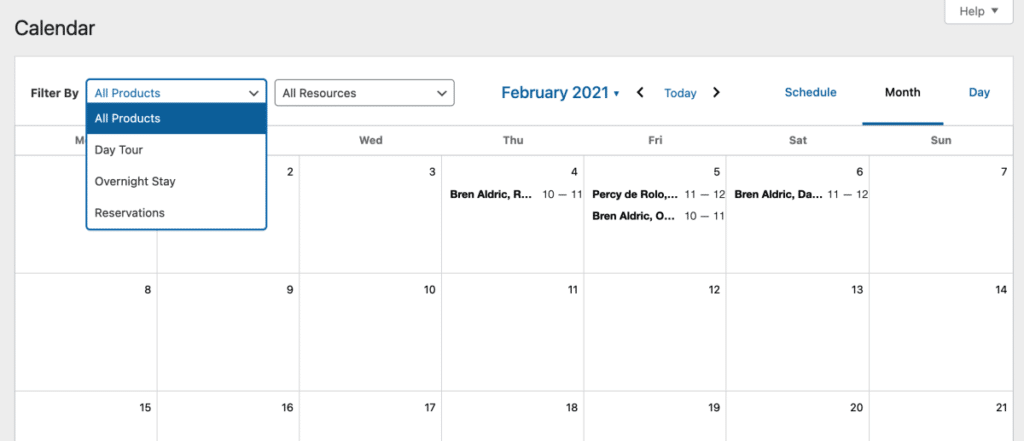
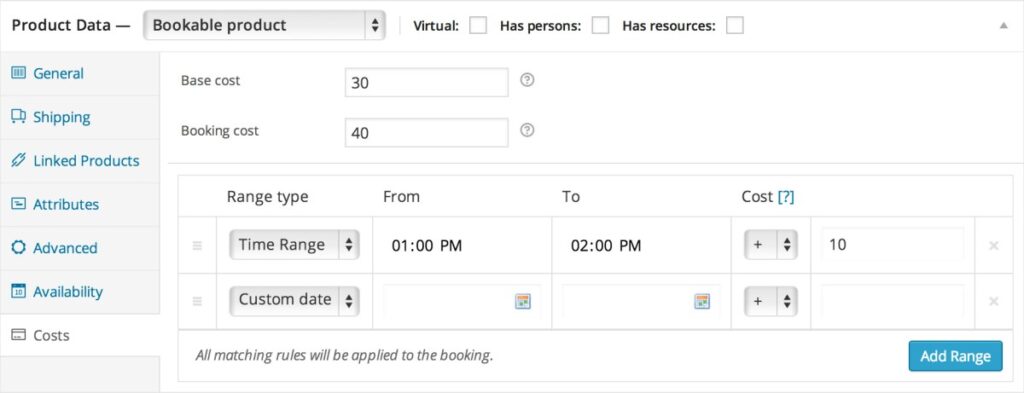
First off, we’ve been using WooCommerce Bookings for booking units like boats and cars. It’s super handy because, together with WooCommerce One Page Checkout, we can have the product page and checkout on the same page. This means no more unnecessary cart steps – a big win!
For hotels and apartments, we recommend WP Hotelier. It even integrates with Elementor, making it easy to design your pages without much hassle.
Another option is Bookings and Appointments for WooCommerce by PluginHive. It lets hotels, apartments, and other rental businesses manage bookings with flexible date and time slots, recurring bookings, resources, participants, and Google Calendar integration. It also supports integrations with Dokan, Zoom, WPML, and Elementor.
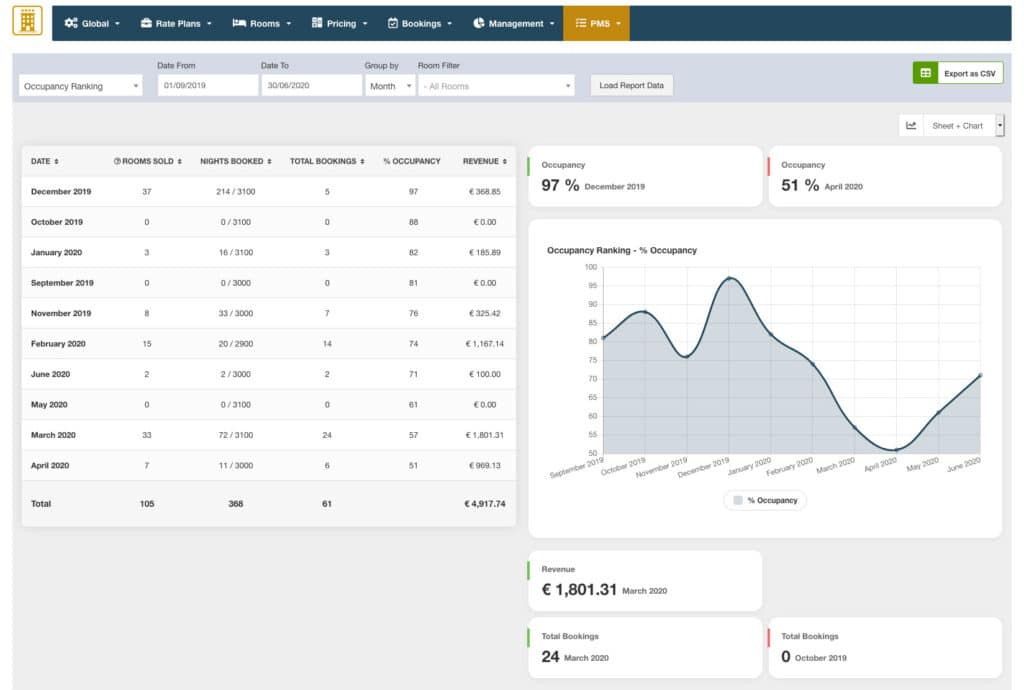
Another powerful option is Vik Booking. It’s packed with features and includes a PMS (Property Management System) to sync with a channel manager. Speaking of which, Vik also offers a Channel Manager that syncs your bookings with big platforms like Airbnb and Booking.com.
Now, if you need a channel manager, these third-party platforms sync your WordPress booking system with the major players like Airbnb. We recently found BookOnlineNow Booking Engine, which is a Greek company and looks pretty promising.
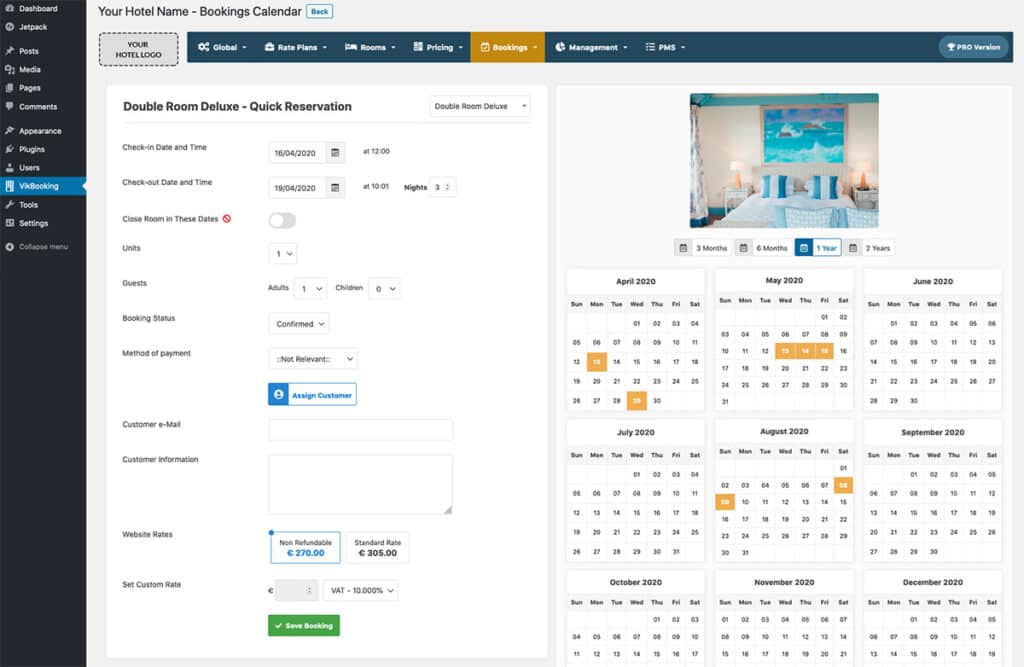
Setting up a booking system on WordPress is straightforward if you’re only taking bookings through your site. But if you want integration with the big guys, you’ll need a third-party solution for scalability. Depending on your needs, you might have to do a bit of research to find the most cost-effective solution that’s also tailored to avoid paying for unnecessary features. A one-size-fits-all solution isn’t really available (at least not cheaply), but tools like Vik, though powerful, can get pricey.
Hope this helps! If you have any questions or need help setting up your booking website, feel free to reach out. Let’s build something awesome together!