Core Concepts

Midjourney Tutorial #1: Start prompting and navigating.

Core Concepts Web Design & Consult
To start, we need to log in to the Discord app, We can either can use the Discord app or just open Discord on the web. The steps to start using the mijourney bot:

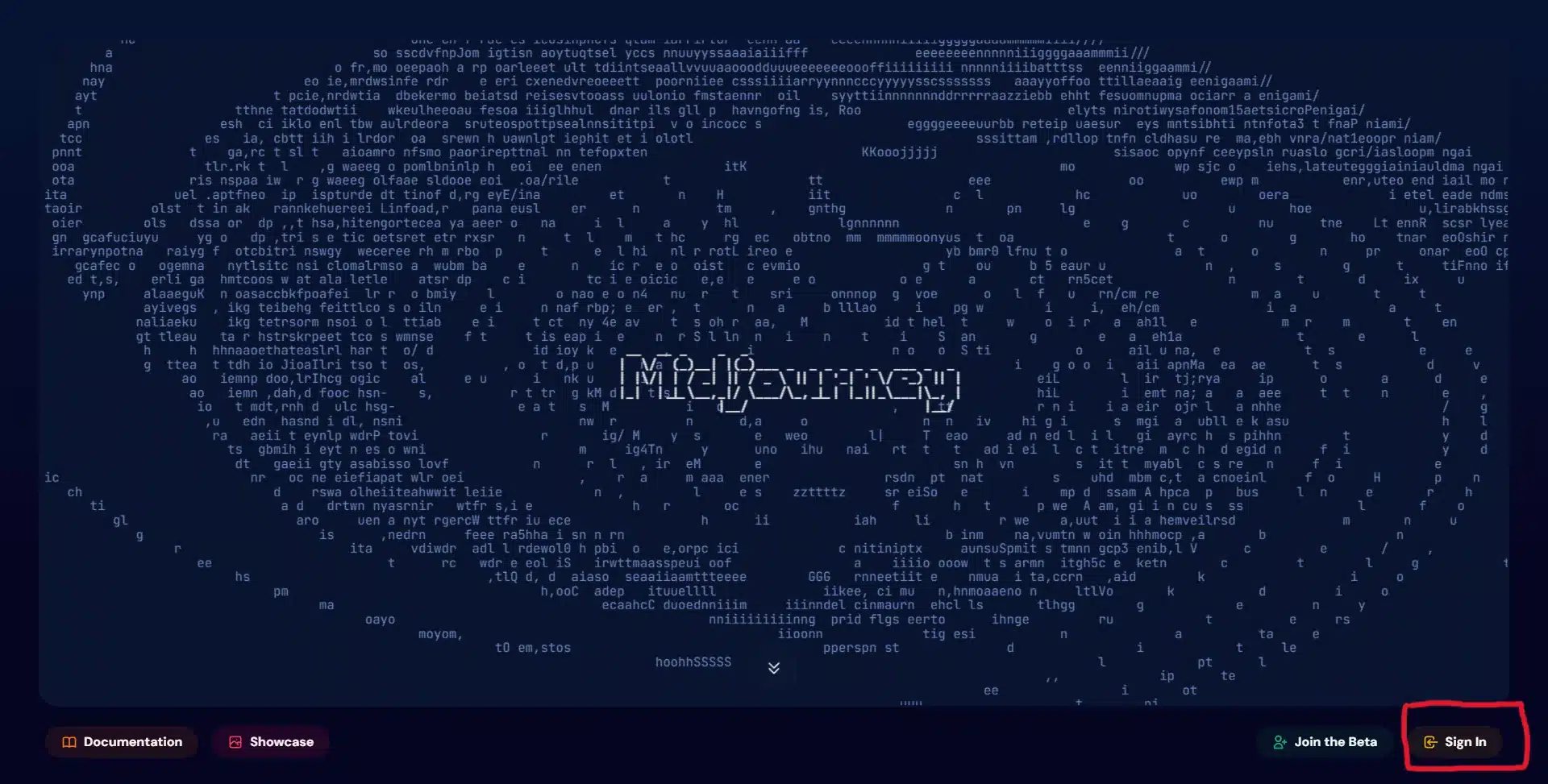
1. We visit the website of midjourney -> https://www.midjourney.com/home

Midjourney home page showing the site's swirling particle artwork

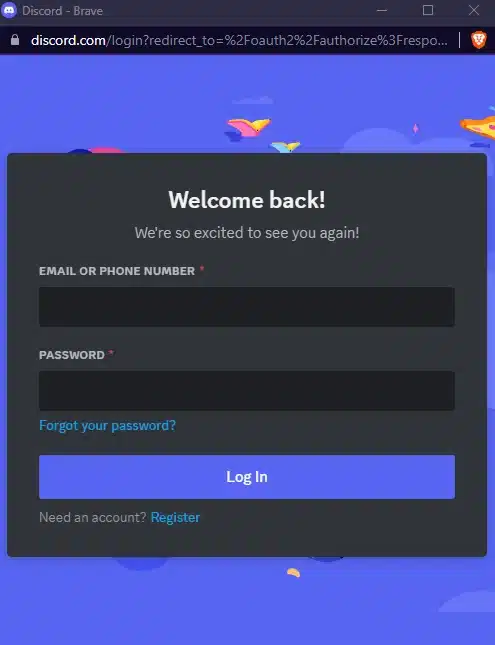
2. We click the option on the bottom right -> Sign In

Midjourney home page with the Sign In button highlighted in the bottom right corner

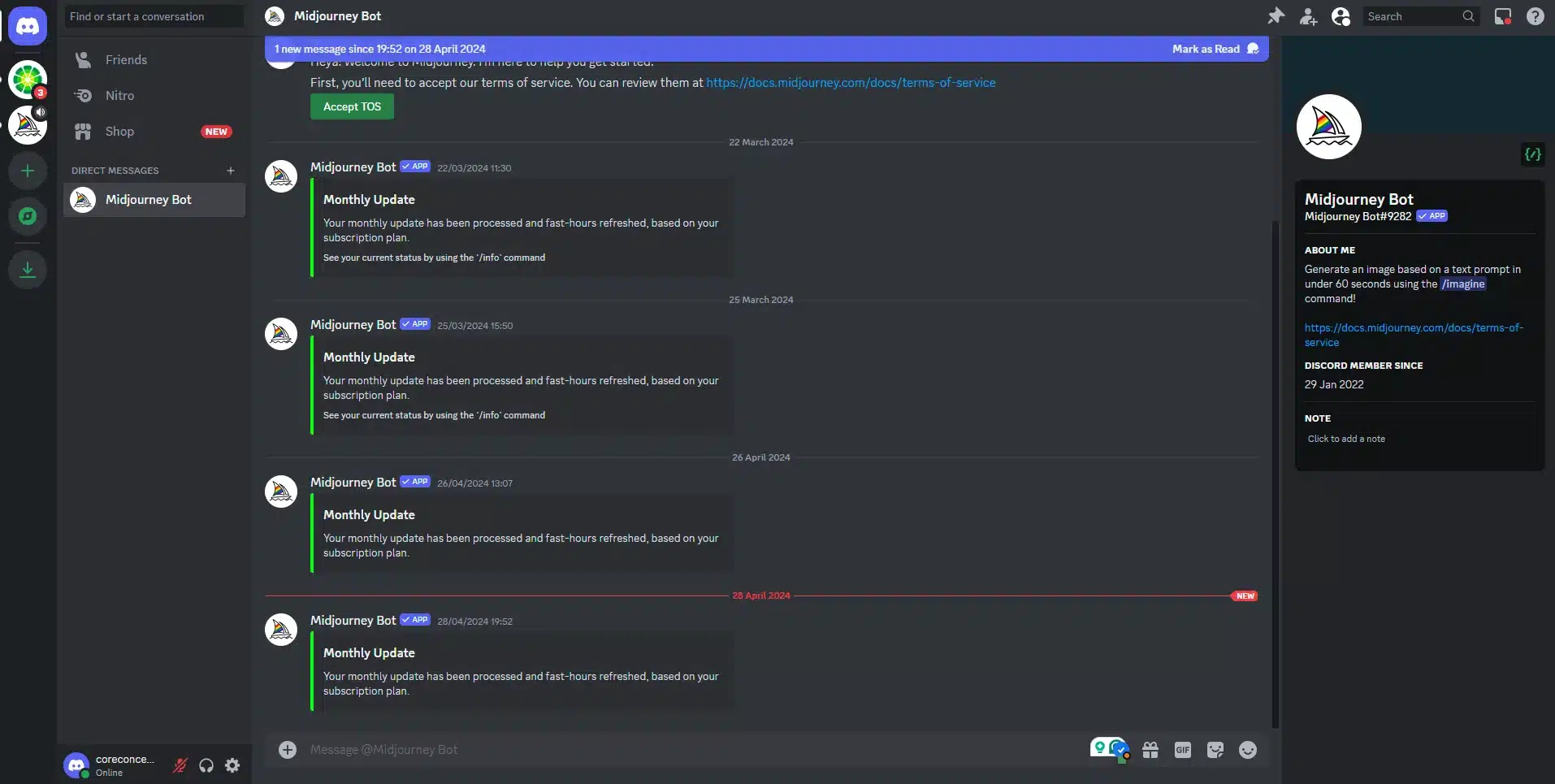
3. We put our credentials for the discord, on the panel that shows up.

Discord login screen headed Welcome back, with email and password fields

4. We log in into our discord and we go into our direct messages to find the midjourney bot and we choose it to go into our conversation.

Discord direct message window with the Midjourney bot selected in the sidebar

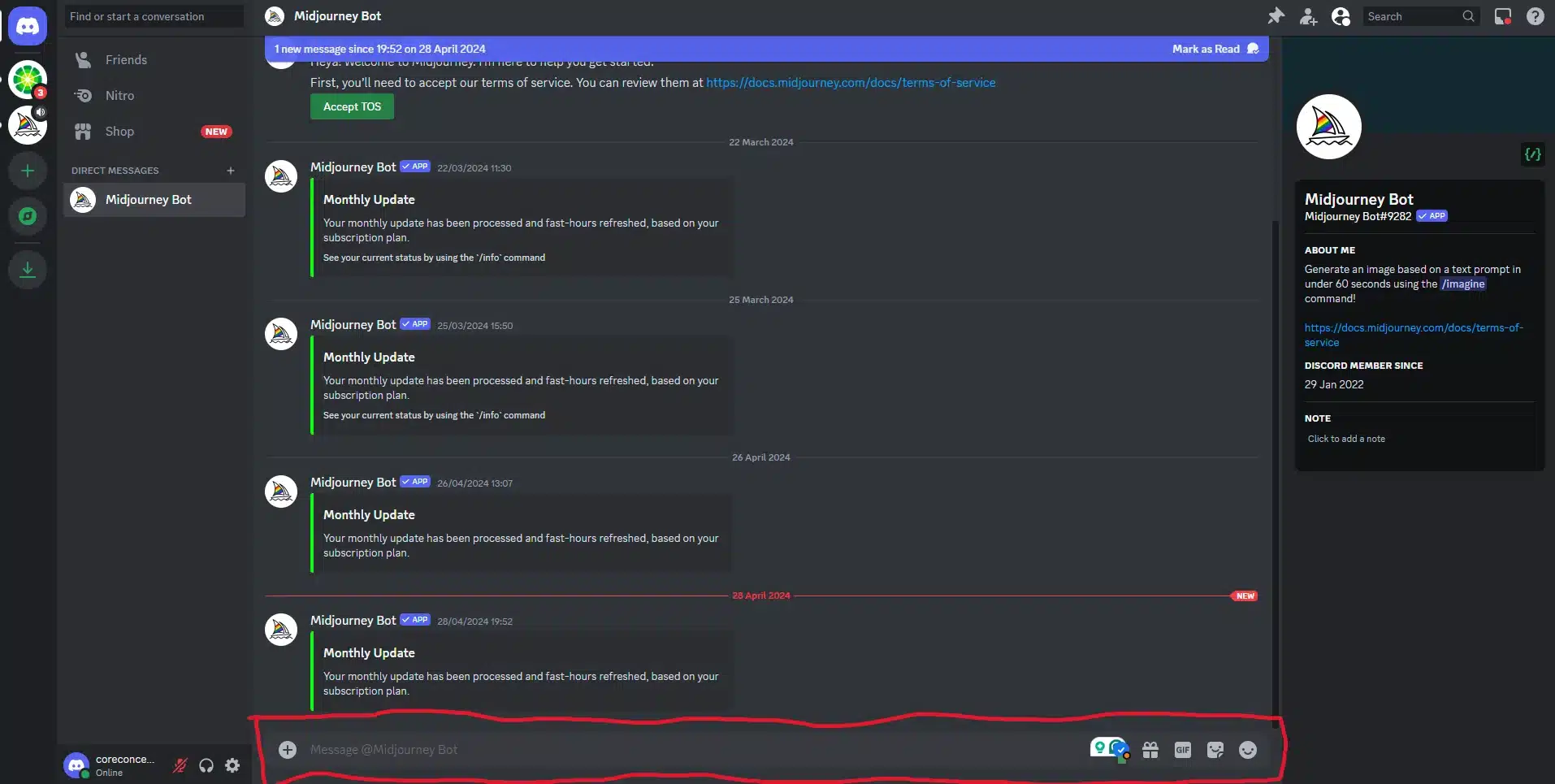
5. On the message box we can start using promts to start generate images.

Discord conversation with the Midjourney bot, with the message box highlighted at the bottom of the screen

How we are promting to the Midjourney bot.

1. We always start the message with -> /imagine

Discord message box showing the /imagine command being selected to start a Midjourney prompt

2. After we start putting the keywords we want to generate the image with comma separated. An example would be -> /imagine dog, eating a hotdog, sunny day, lake and after we press enter.

Discord message box with a Midjourney prompt typed in: dog, eating a hot dog, a sunny day, on a lake

3. We are waiting for the ai bot to generate the image for us.

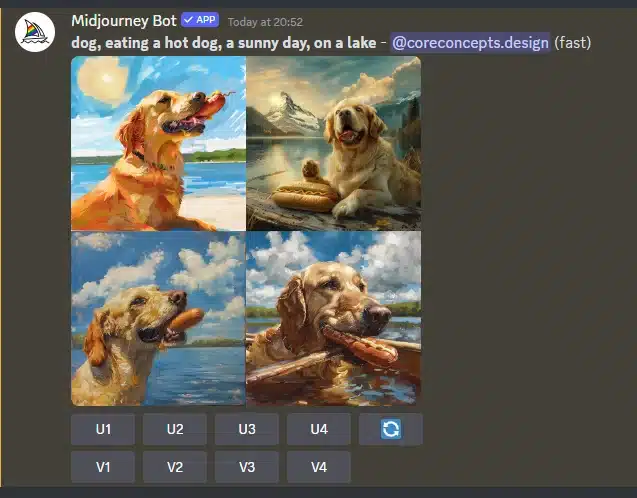
Midjourney bot reply in Discord showing a grid of four generated images of a dog on a lake, with U and V buttons beneath

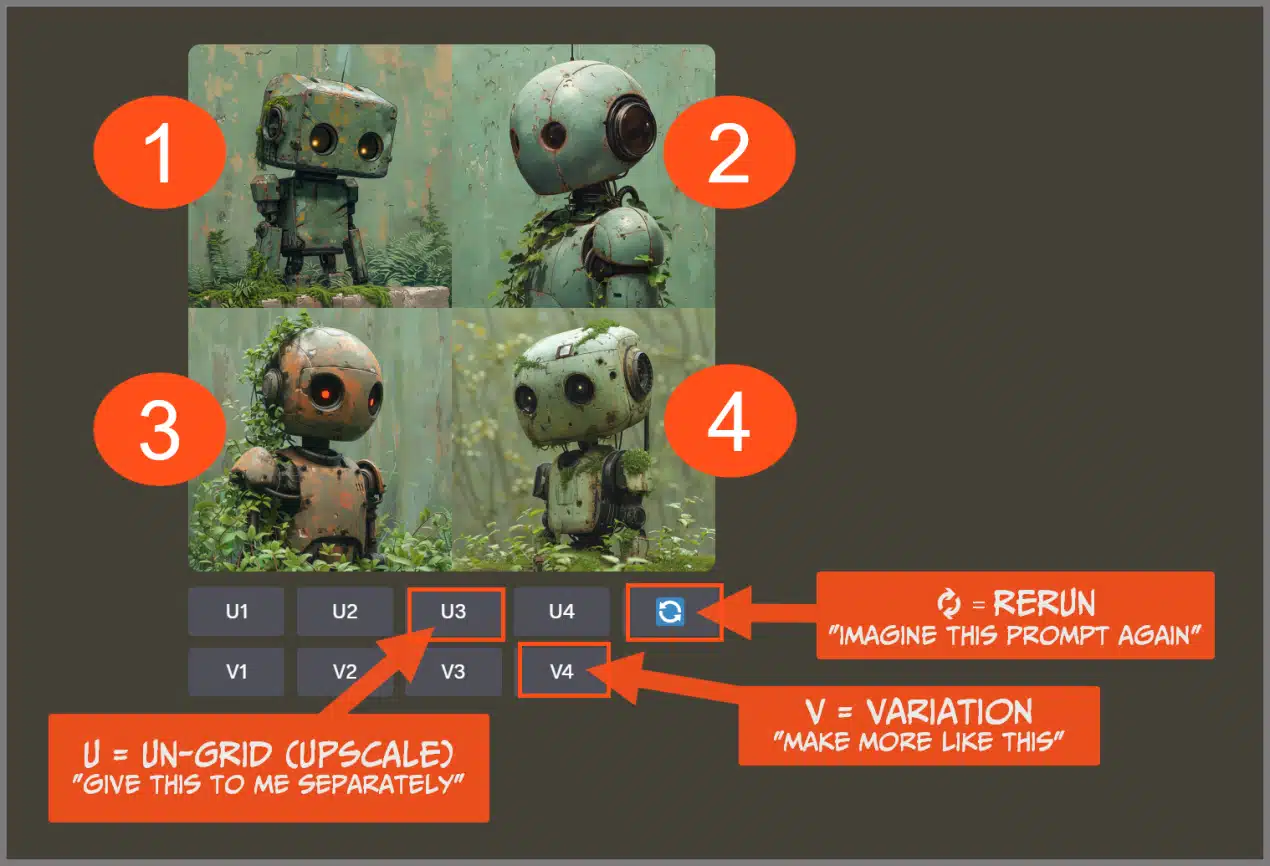
What are the options below the image results?

Annotated Midjourney results grid explaining that U buttons upscale an image, V buttons create variations, and the refresh button reruns the prompt

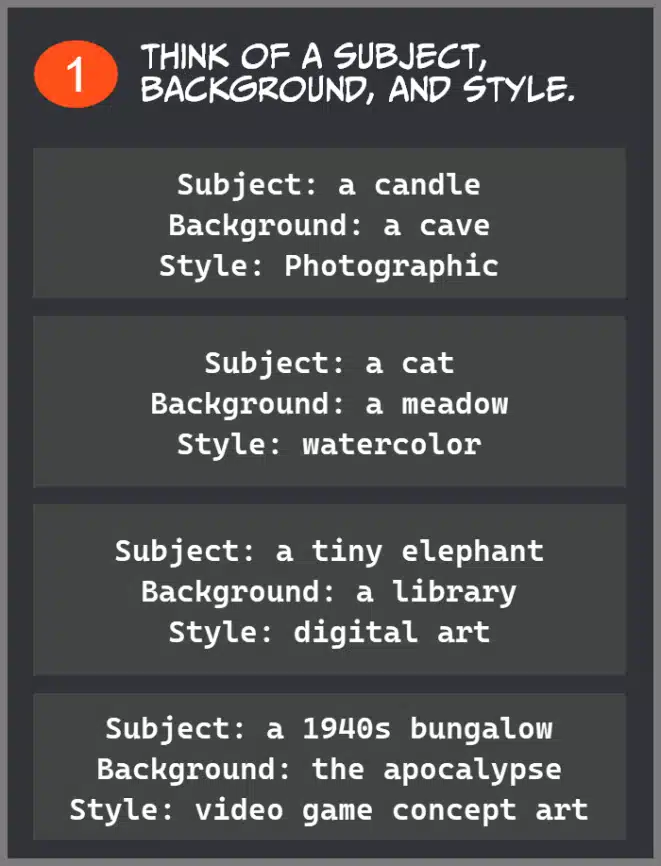
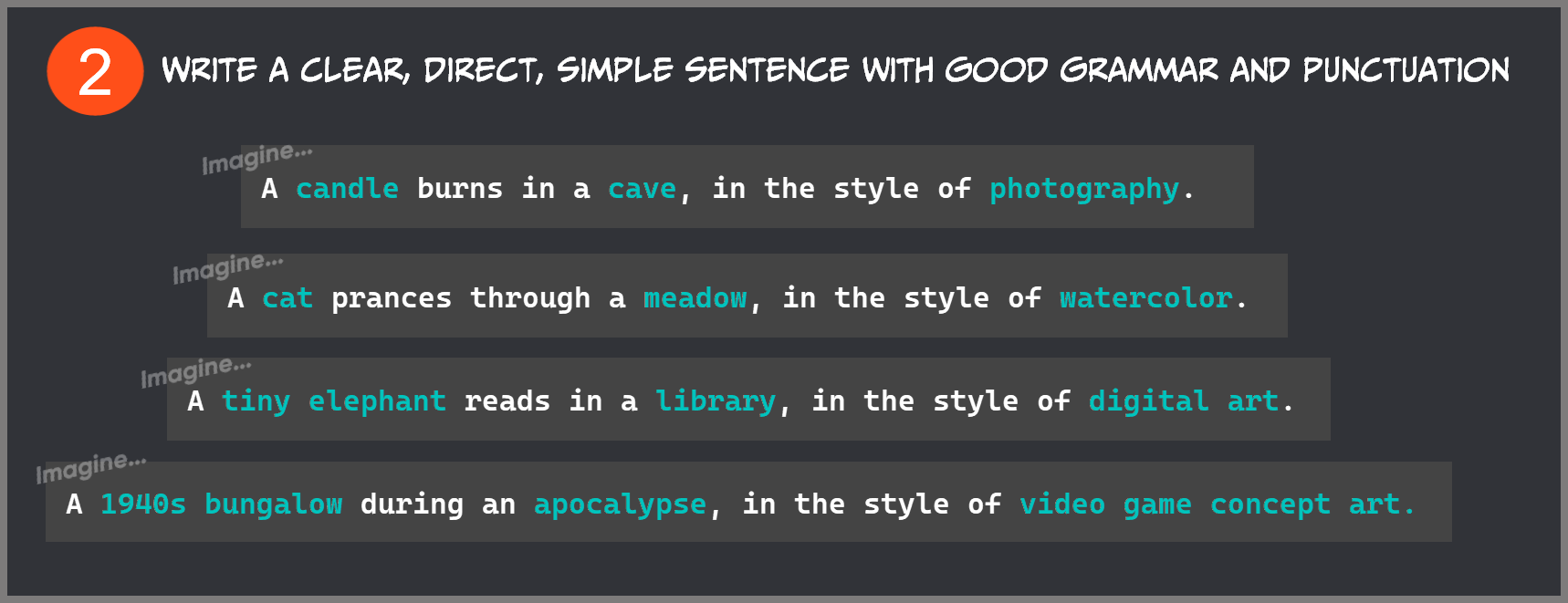
Some tips for prompting for the begginers from Midjourney Support.
Midjourney prompting tip one: think of a subject, background and style, with examples such as a candle in a cave in photographic style
Midjourney prompting tip two: write a clear, direct, simple sentence with good grammar and punctuation, showing the example prompts written out
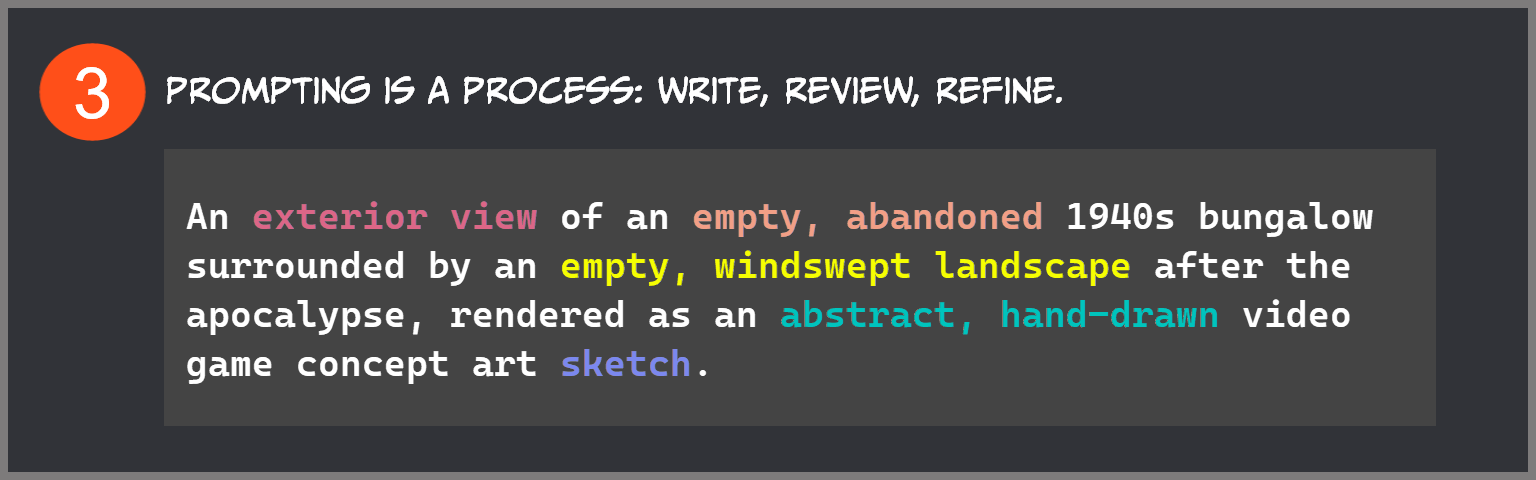
Midjourney prompting tip three: prompting is a process of writing, reviewing and refining, showing a refined prompt for an abandoned 1940s bungalow