

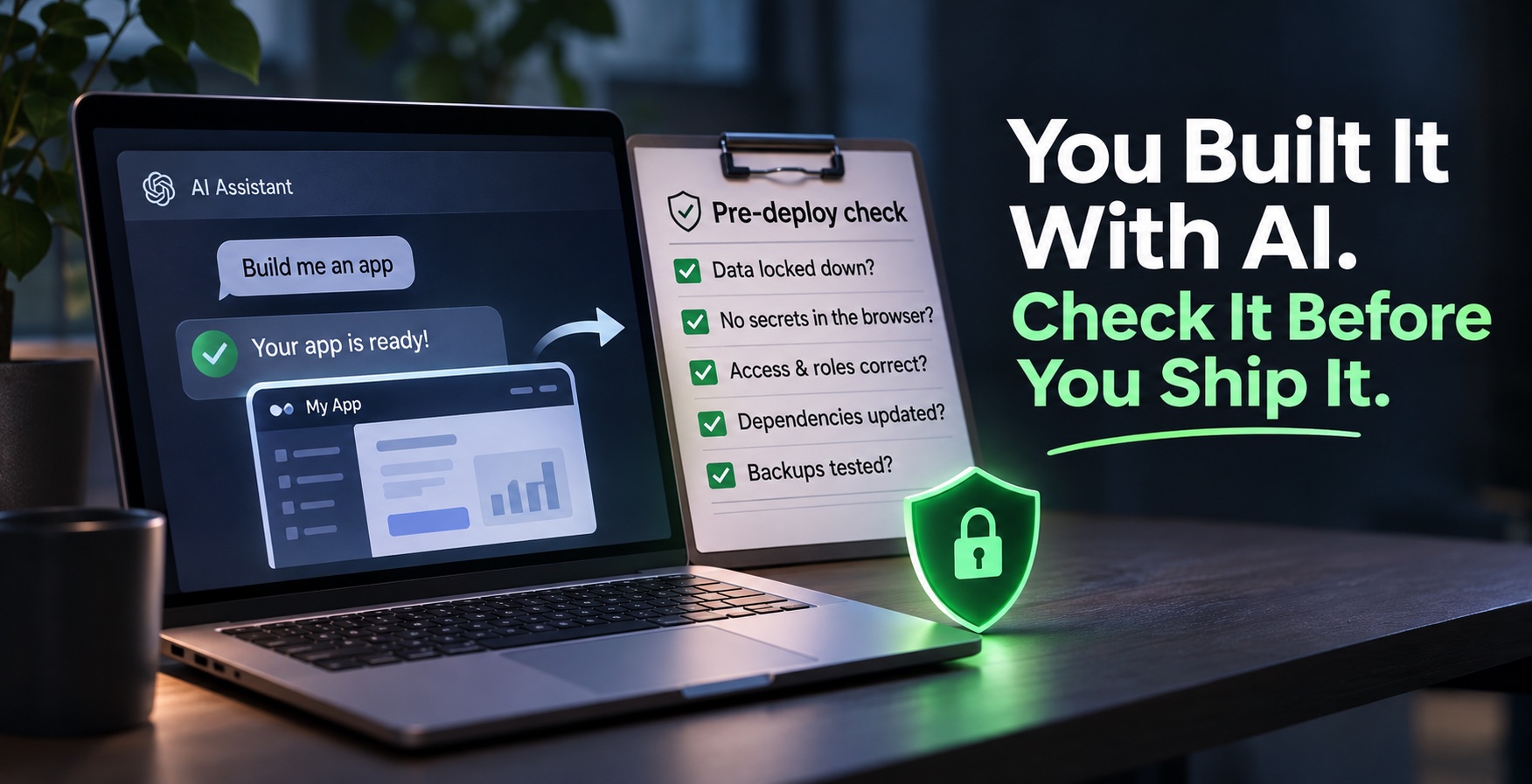
Ask ChatGPT, Claude, Lovable or Base44 to build an app, and you get a working one in an afternoon. The same assistant tells you how to deploy it, which host to pick and which buttons to press. It is a great time to build.
But an AI assistant does what you asked. It does not always do what you forgot to ask. It will usually keep your .env file out of GitHub. It will not always lock down your database, check who is allowed to see which record, or notice that your secret key ended up in the browser. One missed detail is enough, and the people who look for those details are faster than ever.
So security can no longer be a phase that comes "later". It is the step right after building and right before you deploy. This article is for agencies and for anyone building alone: what goes wrong, a checklist you can run in under an hour, and what to do if something has already slipped.
Why AI-built apps leak
AI writes code that works. Working and secure are different tests. In Veracode's 2025 study of more than 100 models on 80 coding tasks, about 45% of the generated code introduced a security flaw. Larger, newer models did not do significantly better.
The public incidents of the last two years share a pattern. None needed a genius attacker. They needed one missing rule.
| Incident | What went wrong | The lesson |
|---|---|---|
| MoltbookJan 2026 | A Supabase key sat in the site's JavaScript and the database had no row level security. About 1.5 million API tokens and 35,000 emails were readable and editable by anyone. | A public key is safe only if the database rules are on. Check both. |
| Base44Jul 2025 | Registration endpoints accepted sign-ups on private apps. Knowing an app's ID was enough to get in, past SSO. Fixed within a day. | The platform you build on can have gaps too. Know what it protects and what it leaves to you. |
| Lovable apps2025 | A researcher found 170 apps whose databases answered anyone: emails, phone numbers, payment status, API keys. Tracked as CVE-2025-48757, which Lovable disputes. | The generator built the app. Configuring access was left to the owner. |
The common thread: the app looked finished, so nobody checked who could reach the data behind it.
The pre-deploy checklist
You do not need to be a security expert to run these. Each one answers a simple question, and most take a few minutes.
- Can a stranger read your data? Open your app in a private window, logged out, and try every page and API address you know. Then call your database directly with only the public key. You should get nothing back.
- Is every table locked? On Supabase, every table needs row level security switched on, with rules that say who reads what. On Firebase, the same goes for security rules. A table with no rules is open to the world.
- Did a secret reach the browser? Open your site, view the page source and the loaded scripts, and search for your keys. Only public keys belong there. Server keys, payment keys and AI API keys never do.
- Are secrets out of your code and its history? Your .env file must be in .gitignore, and no key should appear in any past commit. If one did, change the key with the provider. Deleting the line is not enough.
- Can a normal user act like an admin? Log in as a basic user and try the admin actions directly, not through the buttons. Change an ID in an address bar and see if someone else's record appears.
- Do admins use two-factor login? One stolen password should not open everything.
- Are your packages up to date? Run your package manager's audit (for example npm audit) and fix anything rated high or critical.
- Do errors stay quiet? Break something on purpose. Users should see a short message, not code, file paths or database details.
- Is there a backup you have restored once? A backup you never tested is a guess.
- Are you testing on a copy? Try risky things on a staging copy with fake data and its own keys, never on the live app.
Make the AI check its own work
The assistant that built the app can also review it, if you ask the right way. Open a new chat so it does not defend what it just wrote, give it the code, and ask for evidence, not reassurance:
Act as a security reviewer. You did not write this code.
Find every way a logged-out visitor or a normal user could:
1. read or change data that is not theirs,
2. reach admin actions,
3. see a secret key in the browser or in the repository.
Check database access rules, API routes, environment variables and error messages.
For each finding give the file, the line, how to reproduce it and how to fix it.
If you are not sure, say so. Do not tell me the code is safe without showing why.
Treat the answer as a second opinion, not a certificate. AI reviewers miss things and sometimes invent problems, so check each finding yourself. For larger projects, dedicated open-source tools go further: some read the whole codebase, like Cloudflare's security-audit skill, and some attack a running copy of the app, like Strix. Run attack tools only on a staging copy you own, never on a live site.
WordPress sites: the same lesson, older tools
WordPress powers a large share of agency work, and attackers know it. Patchstack's 2026 report counted 11,334 new vulnerabilities in the WordPress ecosystem in 2025, 42% more than the year before. 91% were in plugins and only 6 in WordPress core. For heavily exploited flaws, the median time to the first attack was 5 hours, and 46% had no fix from the developer at the time they went public. The same report found that standard hosting defenses blocked only a small share of WordPress-specific attacks.
In practice that means:
- Fewer plugins. Delete the ones you do not use. Every plugin is code you are trusting.
- Updates within days, not months. Turn on automatic updates where you can, and watch a vulnerability feed for the plugins you keep.
- No nulled plugins or themes. Pirated copies often arrive with a backdoor already inside.
- Two-factor login for every admin, and a monthly look at the admin user list for names nobody recognizes.
- One site per hosting account where you can. On shared hosting, one infected site can usually reach the files of every other site on the same account.
If something already went wrong
Panic makes people delete the evidence and miss the second door. Work through these in order:
- Do not delete anything yet. Copy the logs and the affected files first. Without them you will not find how they got in.
- Close access. Change the hosting, database and admin passwords. Remove SSH keys, sessions and admin users nobody can vouch for.
- Rotate every key the app could reach. Database keys, payment keys, email and AI API keys. Assume anything in the code or the environment is known.
- Take the affected app or site offline, and check everything else on the same account or server.
- Clean it, or restore from the last backup you know was clean.
- Decide who tells whom. In the EU, if personal data was exposed, the organization responsible for that data generally has 72 hours to notify the data protection authority. If it is a client's site, tell the client straight away. Confirm the details with a lawyer.
- Write down what happened and what you will change, then run the checklist above before you go live again.
For agencies: make it a process, not a favor
A checklist only helps if it runs every time, including on the Friday-evening release. A few habits turn it into a process:
- Sort each project by risk before you build. An internal tool with no client data needs the basics. Anything where clients log in, pay or upload personal data gets the full list and a test on staging.
- Keep a short security record in each repository: what was checked, when, by whom, and what is still open.
- Have a second person sign off before release. Whoever built it is the worst person to spot what is missing.
- Automate the boring parts. Dependency audits and secret scans can run on every pull request without anyone remembering to start them.
AI made building fast. It also made shipping something unsafe fast. You do not need to build slower. Make checking part of building, so the step after "it works" is always "who else can reach it?"